
Key Takeaways
- Buyers, agents, property managers, and investors need different core features.
- Search, map view, saved-search alerts, messaging, secure sign-up, and an admin dashboard form the shared core.
- Listing data is a dependency, not a feature. Each MLS grants access under its own rules, so request it early.
- Consent, access control, and data deletion should be built into the app from the start, not added in a later compliance sprint.
- Add AI where it saves the user effort and the output can be checked. Delay less proven AI features until the core product is working.
For a property search app, the core features in 2026 are property search with filters, map-based discovery, reliable listing data, saved search alerts, in-app messaging, secure sign-up, and an admin dashboard. The exact feature set depends on whether the product serves buyers, renters, agents, property managers, or investors. Here is how to rank them.
If you are planning real estate app development with a limited budget, a flat list of 25 features does not help. You have one budget, one launch date, and one user type who has to come back to the app. This guide ranks features by who uses them, flags the ones that depend on data you may not have yet, and separates essential launch features from later additions.
Table of Contents
- Which Real Estate App Are You Building?
- Real Estate App Development Features by User Type
- The Data Layer: Where Your Listings Come From
- Trust, Security and Privacy Features
- AI Features Worth Building in 2026
- What to Build First and What to Delay
- What Drives Real Estate App Cost and Timeline
- How iTechnolabs Can Help Build a Real Estate App
- Final Thoughts
- FAQs
Which Real Estate App Are You Building?
The right feature list starts with one question: who opens the app every week? Four user types cover most real estate products, and each needs a different set of core features.
| App type | Who uses it | The feature that defines it |
| Property search | Buyers and renters | Search, map and alerts on live listings |
| Agent and CRM | Agents and brokers | Lead capture, follow-up and listing management |
| Property management | Landlords, managers and tenants | Maintenance requests, rent tracking and tenant messaging |
| Investor tools | Investors and analysts | Yield estimates and comparable-sales analysis |
Pick one as your launch audience. You can expand to a second user type after the core product is established. Trying to serve buyers, agents, and landlords at launch tends to produce three half-built products instead of one finished one.
Real Estate App Development Features by User Type
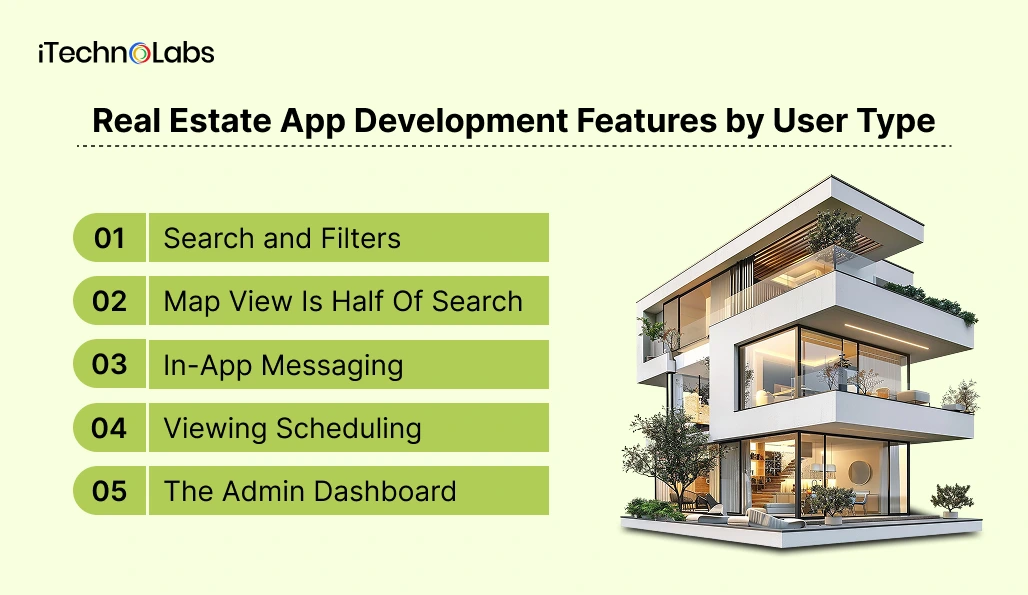
The table maps core features to each user type and shows when each feature should typically be added.
| Feature | Buyer/renter | Agent | Property manager | Investor |
| Property search with filters | Core | Core | Later | Core |
| Map view | Core | Core | Core | Core |
| Saved searches and push alerts | Core | Later | n/a | Core |
| Listing detail with photos, video, floor plans | Core | Core | Core | Core |
| In-app messaging | Core | Core | Core | Later |
| Viewing scheduling | Core | Core | Core | n/a |
| Secure sign-up (email, Apple, Google) | Core | Core | Core | Core |
| Lead capture and CRM sync | n/a | Core | n/a | n/a |
| Admin dashboard | Core | Core | Core | Core |
| Rent collection and payments | n/a | n/a | Core | n/a |
| Yield and comparable-sales analysis | n/a | n/a | n/a | Core |
A few of these deserve more than a table cell.
1. Search and Filters: Users judge the app on how fast they reach a short list. Build the filters your audience actually uses: price, bedrooms, property type, size, and for urban apps, commute time. Every extra filter adds backend work, so start with five or six and add from search logs.
2. Map View Is Half Of Search: Location is the first filter for most property decisions, so users expect to pan, zoom, and draw an area. Most teams use a mapping service such as Google Maps Platform or Mapbox. Pricing is usage-based, so budget for it and check the current rate card before you scale.
3. In-App Messaging: Route each message to the right agent, log it, and sync it to the CRM. If agents move the conversation to personal email on day one, you lose the data that proves your app generates leads.
4. Viewing Scheduling: Let users request a slot, let agents confirm it, and sync to a calendar. Skip video-call booking initially unless remote buyers are your core audience.
5. The Admin Dashboard: It is where you moderate listings, handle reports, and see what users do. If you plan to launch with your own agents’ listings, you will use it on day one.
The Data Layer: Where Your Listings Come From
Listing data is a requirement, not a feature. You can design the best search screen in the category, but without a licensed data source, it shows nothing.
In the US, MLS data moves through the RESO Web API, a standard built on OData that uses JSON and OAuth. RESO sets the standard but does not supply the data. You request access from each MLS and agree to that MLS’s data use rules. In Canada, CREA’s Data Distribution Facility is permission-based: brokerages choose which listings flow into which data feeds. Other markets, including the UK and UAE, run on their own portals and data arrangements.
What this means for your feature list:
- Listing Sync With Status Handling: Active, pending, sold, and removed listings must update on the schedule your MLS allows. A solid home that still shows as available costs you users trust fast.
- Attribution and Display Rules: MLS rules often dictate how listings are credited and what fields you may show. Design the listing card around them rather than retrofitting.
- A Search Index Separate From The Raw Feed: Fast filtering and map search need an index you control, built from the feed.
- A Fallback Inventory Source: If feed approval is delayed, you need something to launch with.
Approval time is outside your control, so request access in parallel with design, not after. If access blocks your launch, start with inventory you control: your own agents’ listings, direct-from-owner listings, or rentals. Many successful launches start with one city and one inventory type, then widen.
Trust, Security and Privacy Features
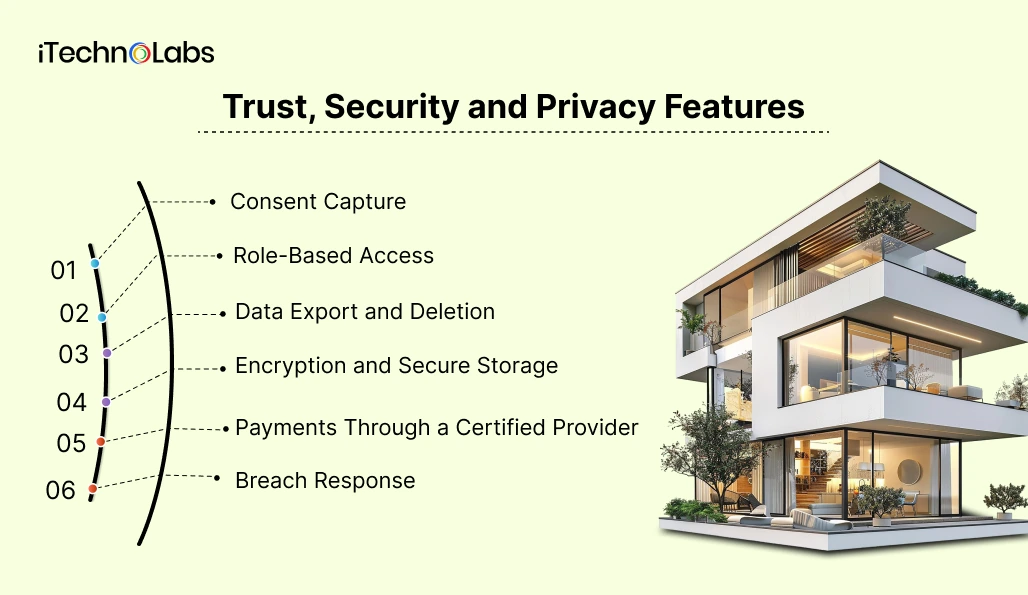
A real estate app collects names, contact details, saved locations, and sometimes income or identity documents. That makes privacy a feature set, not a legal footnote.
Build these into v1:
- Consent Capture: Record what each user agreed to and when. Canada’s privacy law, PIPEDA, rests on ten fair information principles, including consent and safeguards, as the Office of the Privacy Commissioner of Canada explains.
- Role-Based Access: Agents see their leads, managers see their properties, admins see the audit trail. Never give every role the same view.
- Data Export and Deletion: Give users a way to see and remove their data, and give your team a documented process for it.
- Encryption and Secure Storage: Encrypt data in transit and at rest, and keep identity documents in storage separate from the main database.
- Payments Through a Certified Provider: Do not store card data. Use a payment provider that handles card security for you.
- Breach Response: Know who is notified, by when, and how, before launch day.
iTechnolabs follows documented processes for information security, access control, change management, and testing. Ask any vendor you shortlist how these controls are documented and maintained throughout the project.
AI Features Worth Building in 2026
AI is a good fit for real estate apps when it removes effort from the user and when you can check the output. Three features fit that test:
- Natural-language search: A user types “quiet two-bed near a park, under budget, pet friendly” and the app turns it into filters. The output is easy to verify because users see the filters applied and can edit them.
- Listing description and media assistance: AI drafts a description from listing fields and photos; the agent reviews and edits before it goes live.
- Lead qualification: A chat assistant asks a few questions, scores intent, and routes the lead to the right agent with a summary.
Be careful with automated valuation. If you show an estimate, label it as an estimate, show a range rather than a single price, and state the data it is based on. A wrong number on a listing damages trust faster than a missing one.
AI can also support mobile and web applications through natural language search, personalized recommendations, and retrieval-augmented generation over proprietary listing data.
What to Build First and What to Delay
A feature belongs in the initial release only if the first user loop breaks without it. The loop for most search apps is: search, view a listing, save it, get an alert, contact the agent. Everything else is a candidate to delay.
| Priority | Features | Why |
| Essential for launch | Search and filters, map view, listing detail, saved searches and alerts, messaging, secure sign-up, admin dashboard, consent management | The core user journey depends on them |
| Add after launch | Favourites and comparison, viewing scheduling, calendar sync, mortgage calculator | They can improve conversion after users start returning |
| Later additions | AI recommendations, natural-language search, agent CRM sync, virtual tour media, smart-home data | They become more useful once you have enough usage data to improve them |
| Delay for now | Custom 3D engines, native AR staging, multi-language rollout, a second user type | They add cost before the core product has been validated |
This ranking is a starting point. The right cut depends on your audience, your data access, and your budget, which is what a discovery phase settles.
What Drives Real Estate App Cost and Timeline
Cost and timeline move with scope, not with a market average. Five factors have the biggest impact:
- Number of User Types: One role is a different project from buyer, agent, and admin roles together.
- Platforms: iOS, Android, and web from one cross-platform codebase differ from separate native builds.
- Data and Integrations: MLS or IDX feeds, a CRM, maps, calendars, and payments each add integration work.
- Compliance and Security Scope: Identity documents and payments raise the testing and documentation load.
- AI Features. Each AI feature needs evaluation and monitoring, not just a build.
How iTechnolabs Can Help Build a Real Estate App
A real estate app needs more than mobile development. The product may require property data management, location services, backend APIs, authentication, payments, CRM connectivity, analytics, and administrative tools.
iTechnolabs provides real estate app development services covering custom mobile applications, property marketplaces, listing systems, map integration, CRM integration, secure payments, property booking, lead management, and other property-focused capabilities.
The team also provides broader mobile application development covering product planning, UI and UX design, mobile development, backend development, third-party integrations, testing, security, deployment, and ongoing development.
The company also has a dedicated resource covering real estate app development companies, including feature considerations, development costs, technology choices, and future trends.
Final Thoughts
The best real estate app is not necessarily the one with the longest feature list.
It is the one that makes the property journey easier for the people using it and gives the business the tools needed to manage that journey efficiently.
For most property marketplaces, the foundation should be strong search, accurate listings, map-based discovery, detailed property information, saved properties, alerts, communication, scheduling, and reliable administration.
Once that foundation works, AI recommendations, conversational search, virtual tours, advanced analytics, and other capabilities can make the product more differentiated.
The right real estate app development features should therefore be selected according to the product’s users, business model, data environment, and growth plans. A focused first release gives the business a way to validate demand while creating a technical foundation for more advanced functionality later.
FAQs
1. What are the must-have features of a real estate app?
A property search app typically needs filters, map views, listing details, saved searches, alerts, secure sign-up, messaging, and an admin dashboard. Additional features depend on the target users. Agent tools, property management capabilities, or investor analytics can be added as needed. Licensed listing data may also require MLS or other approved sources.
2. Which features should go in a real estate app MVP?
Build the smallest loop your user repeats: search, view a listing, save it, get an alert, contact the agent. That means search, map, listing detail, alerts, messaging, authentication, and an admin panel. Add comparison tools, AI recommendations, and calculators later, once you know which features users value and return to.
3. Do I need MLS access to build a real estate app?
Not always. If you show active listings from brokerages, you need MLS or IDX data access, which each MLS grants under its own rules. If you build a rental platform, a property management tool, or a marketplace where users post their own listings, you can launch without an MLS feed.
4. What is the RESO Web API and why does it matter?
The RESO Web API is the industry standard for moving MLS data, built on OData with JSON and OAuth. It replaced the older RETS protocol. RESO sets standards but does not supply data, so you still request access from each MLS before your app can display listings.
5. How do privacy laws affect real estate app features?
Your app collects names, contact details, location, and sometimes financial information, so privacy law shapes the feature list. Under Canada’s PIPEDA, for example, you need meaningful consent and security safeguards. Build consent capture, data export and deletion, access controls, and breach response into the product from the start.
6. Which AI features are worth adding to a real estate app in 2026?
Start with AI that saves the user effort and that you can check: natural-language search that converts a sentence into filters, listing description drafts for agents, and lead qualification. Be careful with automated valuations. If you show one, label it an estimate and show a range, not a single price.
7. Should I build a native or cross-platform real estate app?
For most startups, a cross-platform build in Flutter or React Native covers iOS and Android from one codebase and suits an MVP budget. Choose native if you need heavy map rendering, camera-based tools, or platform-specific features from day one. Decide after discovery, because your feature list drives the choice.
8. How long does it take to build a real estate app?
Timeline depends on the number of user types, platforms, third-party integrations, and how long MLS data approval takes, which sits outside your control. A single-user-type MVP is much shorter than a multi-role platform with CRM, payments, and AI features. A discovery phase turns these inputs into a verified estimate.











