
Key Takeaways
- Cloud migration helps SMBs improve access to business systems, adapt computing capacity, and reduce dependence on on-site infrastructure.
- Rising maintenance costs, outdated servers, and remote work challenges can signal that your current IT setup needs to change.
- Migration is not automatically cheaper or more secure. Costs, workloads, compliance, and operational risks need careful assessment.
- A phased migration with clear priorities, testing, backups, and rollback plans reduces disruption.
- The right time to migrate is when measurable business benefits outweigh the cost and risk of moving.
Cloud migration benefits for SMBs include easier access to business applications, flexible computing resources, improved collaboration, and reduced dependence on physical servers. For small and medium-sized businesses, migrating to the cloud makes sense when existing infrastructure limits growth, increases maintenance costs, or creates operational challenges. The decision should depend on business needs, total cost, security requirements, and migration readiness.
Table of Contents
- What Is Cloud Migration?
- 7 Signs Your SMB Should Consider Cloud Migration
- 6 Cloud Migration Benefits for SMBs
- When Should an SMB Wait Before Migrating?
- How to Plan a Cloud Migration for Your SMB
- How to Decide Whether Cloud Migration Is Worth the Investment
- How iTechnolabs Helps SMBs Migrate to the Cloud
- Conclusion
- FAQs
What Is Cloud Migration?
Cloud migration is the process of moving applications, data, databases, and IT workloads from on-site infrastructure to cloud environments. A business can move everything at once, migrate selected workloads, or adopt a hybrid model that combines cloud services with existing systems.
The National Institute of Standards and Technology defines cloud computing as on-demand access to shared computing resources that can be provisioned and released with minimal management effort. Its cloud computing guidance provides a useful foundation for understanding the model.
For SMBs, migration might mean moving file storage to a cloud platform, transferring a business application to cloud infrastructure, or replacing locally hosted software with a cloud-based service.
The goal is not simply to move technology elsewhere. It is to make IT more suitable for how the business operates and grows.
7 Signs Your SMB Should Consider Cloud Migration
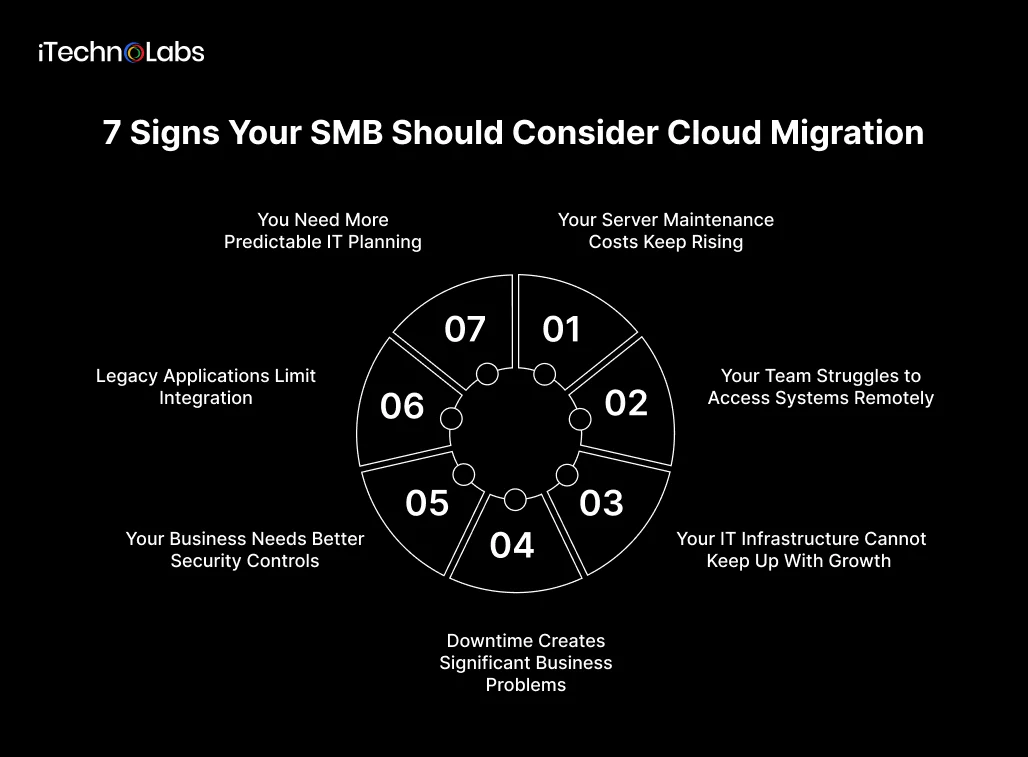
1. Your Server Maintenance Costs Keep Rising
Physical servers require maintenance, power, cooling, hardware replacements, and technical support. As equipment ages, repair costs and downtime risks can increase.
If your business regularly spends money keeping older infrastructure running, compare those expenses with the full cost of an appropriate cloud environment.
Consider migration when: recurring maintenance and replacement costs are increasing without delivering meaningful improvements in performance or reliability.
2. Your Team Struggles to Access Systems Remotely
Teams working across offices, customer sites, or home offices need reliable access to files and applications. Systems designed primarily for a single office can make collaboration and remote work unnecessarily difficult.
Cloud-based applications can improve accessibility, provided the business has suitable internet connectivity, identity controls, and security policies.
Consider migration when: employees depend on workarounds to access files, share information, or use essential business applications outside the office.
3. Your IT Infrastructure Cannot Keep Up With Growth
Business growth often brings more customers, transactions, employees, and data. Fixed infrastructure can require substantial upfront investment whenever capacity needs to increase.
Cloud resources can be provisioned or adjusted to match changing demand, although capacity and spending still require active management.
Consider migration when: adding users or supporting new business operations repeatedly requires hardware purchases or lengthy infrastructure changes.
4. Downtime Creates Significant Business Problems
Hardware failures, outdated systems, and weak recovery procedures can interrupt sales, customer service, and internal operations.
Cloud services may offer backup, replication, and disaster recovery capabilities, depending on the architecture and service plan. These capabilities need to be configured and tested rather than assumed.
Consider migration when: your current recovery process cannot restore critical systems within an acceptable period.
5. Your Business Needs Better Security Controls
Older systems can lack consistent patching, access management, monitoring, and recovery procedures. Cloud platforms provide security tools that may be difficult or expensive for a small IT team to maintain independently.
However, cloud migration does not automatically make a business secure. Your organisation remains responsible for appropriate access controls, data handling, configuration, and other security obligations.
Consider migration when: you need better identity management, centralised monitoring, reliable backups, or a more manageable security process.
6. Legacy Applications Limit Integration
Businesses often rely on separate accounting systems, customer relationship management software, inventory platforms, and internal applications. When these systems cannot exchange data effectively, employees spend more time on manual work.
Cloud-based services and modernised applications can make integration easier, depending on available APIs, compatibility, and licensing.
Consider migration when: disconnected systems create duplicate data entry, reporting delays, or recurring operational errors.
7. You Need More Predictable IT Planning
Maintaining infrastructure can involve irregular expenses for equipment, upgrades, repairs, and specialist support. Cloud services replace some of these costs with recurring subscription- or usage-based charges.
That does not guarantee lower spending. Storage growth, data transfers, software licensing, support, and idle resources can increase bills.
Consider migration when: a different infrastructure model would improve financial planning or reduce the operational burden of maintaining physical systems.
6 Cloud Migration Benefits for SMBs
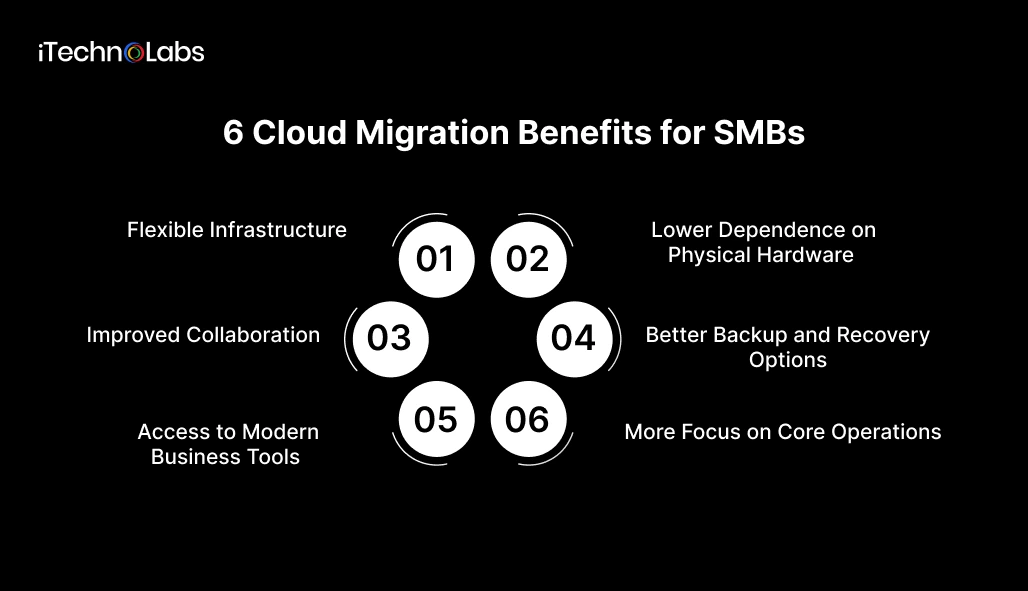
1. Flexible Infrastructure
Cloud resources can be adjusted as workloads change. This helps businesses respond to seasonal demand or expansion without purchasing additional physical hardware for every capacity increase.
The benefit depends on selecting suitable services and monitoring resource usage.
2. Lower Dependence on Physical Hardware
Moving suitable workloads to the cloud can reduce the need to purchase, house, and maintain local servers.
However, evaluate the total cost of ownership rather than comparing server expenses with cloud subscription fees alone. Migration, networking, licensing, security, and ongoing support also affect the financial outcome.
3. Improved Collaboration
Cloud-hosted applications can let authorised employees access shared information from different locations. This can reduce dependence on local file servers and disconnected workflows.
Access policies, internet availability, and application compatibility determine how well this works in practice.
4. Better Backup and Recovery Options
Cloud platforms can support automated backups, replicated data, and recovery environments. These capabilities can help SMBs prepare for hardware failures, accidental deletion, and other disruptions.
A recovery strategy should define backup frequency, retention, recovery time objectives, and recovery point objectives. Backups must also be tested regularly.
5. Access to Modern Business Tools
Cloud environments can support modern analytics, application development, automation, and AI services without requiring every component to run on local hardware.
For example, an SMB may modernise a customer management application before introducing AI-assisted reporting. The best approach depends on the business problem, available data, and integration requirements.
6. More Focus on Core Operations
Reducing routine infrastructure maintenance can free internal staff to focus on business applications, process improvements, and customer needs.
This benefit is not automatic. Businesses with complex legacy systems may need additional expertise during migration and ongoing cloud management.
When Should an SMB Wait Before Migrating?
Cloud migration is not the right move for every business or every workload.
Consider postponing migration when:
- The business case is unclear. You cannot identify the operational problem migration is expected to solve or measure the expected benefit.
- Critical applications are incompatible. Legacy software may require substantial redevelopment or continued on-site hosting.
- Security and compliance requirements are unresolved. Data residency, contractual obligations, access controls, and regulatory requirements need assessment before selecting a cloud environment.
- The budget excludes ongoing costs. Your estimate covers migration but ignores recurring usage, support, licensing, and data transfer charges.
- The team is not prepared. Employees and IT staff need appropriate training, ownership, and support procedures.
Waiting can be the right decision if it gives your business time to address these gaps. A hybrid environment may also be appropriate when some workloads benefit from cloud hosting while others need to remain on-site.
How to Plan a Cloud Migration for Your SMB
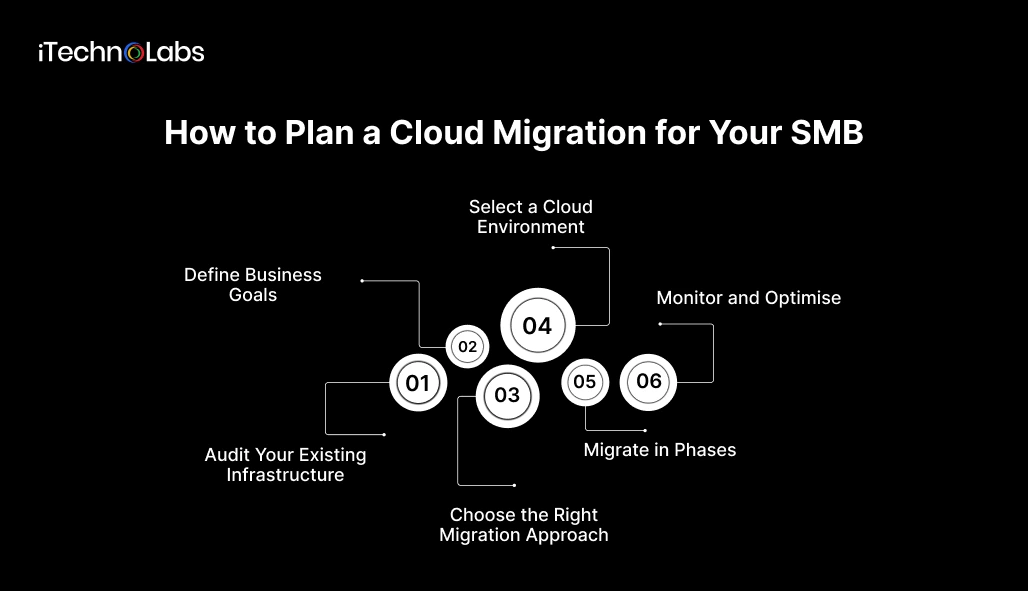
A structured migration helps control cost, protect business data, and limit downtime.
Step 1. Audit Your Existing Infrastructure
Document your applications, databases, servers, integrations, data volumes, dependencies, and current operating costs.
Identify which systems are essential to daily operations and which can be moved with minimal disruption.
Step 2. Define Business Goals
Set measurable objectives, such as reducing server maintenance, improving recovery times, enabling remote access, or supporting a new application.
Establish baseline performance and cost figures so you can evaluate the outcome after migration.
Step 3. Choose the Right Migration Approach
Common options include:
- Rehosting: Move an application with minimal changes.
- Replatforming: Make targeted changes to use cloud capabilities.
- Refactoring: Redesign an application to take greater advantage of cloud architecture.
- Replacing: Move from an existing system to a suitable cloud-based application.
The right approach depends on application complexity, business priorities, budget, and technical constraints.
Step 4. Select a Cloud Environment
Compare providers and services based on workload requirements, security controls, data location, support, integration options, and expected costs.
Do not select a platform based on price alone. Consider the skills needed to manage it and the effort required to move away if your needs change.
Step 5. Migrate in Phases
Start with a lower-risk workload, test data integrity and application performance, and confirm that users can complete essential tasks.
Create backup and rollback procedures before moving business-critical systems. Schedule changes around operational requirements and communicate expected downtime to affected employees.
Step 6. Monitor and Optimise
After migration, review spending, performance, security alerts, backup success, and user feedback.
Remove unused resources, adjust capacity, and revise configurations as needs change. Cloud migration is an ongoing management responsibility, not a one-time project.
How to Decide Whether Cloud Migration Is Worth the Investment
Use a simple assessment to compare your current environment with the proposed cloud setup.
| Evaluation area | Questions to ask |
| Cost | What are the current and projected total costs over three years? |
| Performance | Will migration improve access, reliability, or application responsiveness? |
| Security | Can the proposed setup meet our security and data handling requirements? |
| Scalability | Can infrastructure adjust to our expected growth? |
| Recovery | Can we meet our business recovery objectives? |
| Readiness | Do we have the budget, expertise, and time to migrate safely? |
Estimate total cost of ownership across the same period for both environments. Include hardware, maintenance, software licences, cloud usage, migration services, staff time, security, and ongoing support.
How iTechnolabs Helps SMBs Migrate to the Cloud
Moving to the cloud involves more than transferring files and applications. Your business needs a migration plan that accounts for existing systems, data security, operating costs, and daily workflows. iTechnolabs helps SMBs assess their current infrastructure, identify suitable workloads for migration, and choose an approach based on their technical requirements and business goals.
From cloud architecture and application modernisation to system integration and deployment, our team helps you plan each stage of the migration. We focus on minimising disruption, maintaining data integrity, and building an environment that can support changing business needs. Whether you want to move selected workloads or modernise legacy applications, the first step is understanding what your business needs from the cloud.
Ready to assess your cloud migration options? Talk to iTechnolabs about a migration strategy tailored to your business
Conclusion
The right time to migrate to the cloud is when your current infrastructure creates measurable limits on cost, access, reliability, or growth, and a carefully evaluated cloud environment offers a better way forward.
Start with the business problem, assess the applications and data involved, compare total costs, and migrate in manageable phases. You do not need to move every workload at once. A targeted migration can help your SMB test the benefits while controlling operational risk.
If your existing software is limiting growth or making integration difficult, explore custom software development services to assess how infrastructure changes and application modernisation could support your business goals.

FAQs
1. What are the main cloud migration benefits for SMBs?
The main benefits include flexible infrastructure, easier access to business applications, improved collaboration, reduced dependence on physical servers, and access to cloud-based backup and recovery tools. Actual savings and operational improvements depend on workload requirements, migration costs, cloud usage, security configuration, and ongoing management.
2. How do I know when my small business should migrate to the cloud?
Consider migration when server maintenance becomes expensive, remote access is difficult, infrastructure cannot support growth, recovery procedures are inadequate, or disconnected applications slow down operations. Before proceeding, confirm that the proposed cloud environment addresses these problems and that the expected benefits justify the financial and operational risks.
3. Does cloud migration always reduce IT costs?
No. Cloud migration can reduce hardware and maintenance expenses, but subscription fees, data transfers, storage, licensing, security, and support can increase spending. Compare the total cost of ownership of your current infrastructure with the proposed cloud environment over the same period before deciding whether migration makes financial sense.
4. Is cloud migration secure for small businesses?
Cloud migration can improve access controls, monitoring, and backup capabilities when these features are configured properly. Security still depends on identity management, encryption, application configuration, data protection, and monitoring. Businesses should assess their risks, compliance obligations, and provider responsibilities before moving sensitive information.
5. Can an SMB migrate to the cloud without disrupting operations?
Yes, disruption can be reduced by migrating in phases, testing applications and data, scheduling changes carefully, and preparing backup and rollback procedures. Some systems may still require downtime. Businesses should identify critical dependencies and establish recovery procedures before migrating workloads that support essential operations.
6. Should an SMB move all its applications to the cloud at once?
Not necessarily. A phased migration lets a business validate its approach before moving critical workloads. Some applications may be suitable for immediate migration, while others need redevelopment or may be better kept on site. Prioritise workloads according to business value, technical compatibility, risk, and expected cost.











