

Key Takeaways
- Off-the-shelf ERP works well when your business processes align with established workflows and standard features.
- Custom ERP makes sense when unique operations, complex integrations, or changing requirements exceed what packaged software can support efficiently.
- Customization offers a middle ground, allowing you to extend an existing ERP without rebuilding everything.
- Compare total cost of ownership, implementation effort, integration needs, and ongoing maintenance before choosing.
- The right ERP should solve current operational problems while supporting your business as it grows.
Choosing between custom ERP and off-the-shelf software depends on your business processes, budget, and long-term goals. Off-the-shelf ERP systems offer ready-made features and faster implementation, while custom ERP solutions are built around your specific workflows, integrations, and operational needs. The right choice can help reduce manual work, improve data visibility, and support better decision-making as your business grows.
In this guide, we compare ERP vs. custom software across cost, flexibility, integration, implementation, and maintenance. You will learn when a standard ERP system makes sense, when custom development may be worth the investment, and how to evaluate both options based on your business requirements. By the end, you will have a clearer framework for choosing an ERP approach that fits your operations.
Table of Contents
- ERP vs Custom Software: What Should Your Business Choose?
- What Is Off-the-Shelf ERP?
- What Is Custom ERP Software?
- Custom ERP vs Off-the-Shelf ERP: Key Differences
- When Should You Choose Off-the-Shelf ERP?
- When Does Custom ERP Make More Sense?
- A Third Option: Customize an Existing ERP
- How to Make the Right ERP Decision
- Find the Right ERP Solution for Your Business With iTechnolabs
- Final Verdict: Custom ERP or Off-the-Shelf?
- FAQs
ERP vs Custom Software: What Should Your Business Choose?
Choosing between custom ERP and off-the-shelf software depends on how closely existing ERP products match your business processes, integration requirements, and budget. Off-the-shelf ERP suits companies with standard workflows, while custom ERP fits businesses with specialized requirements. A customized existing platform can also provide a practical middle ground.
For small and medium-sized businesses, the decision is not simply about buying software or building it from scratch. It is about finding the right balance between operational efficiency, cost, flexibility, and long-term maintenance.
What Is Off-the-Shelf ERP?
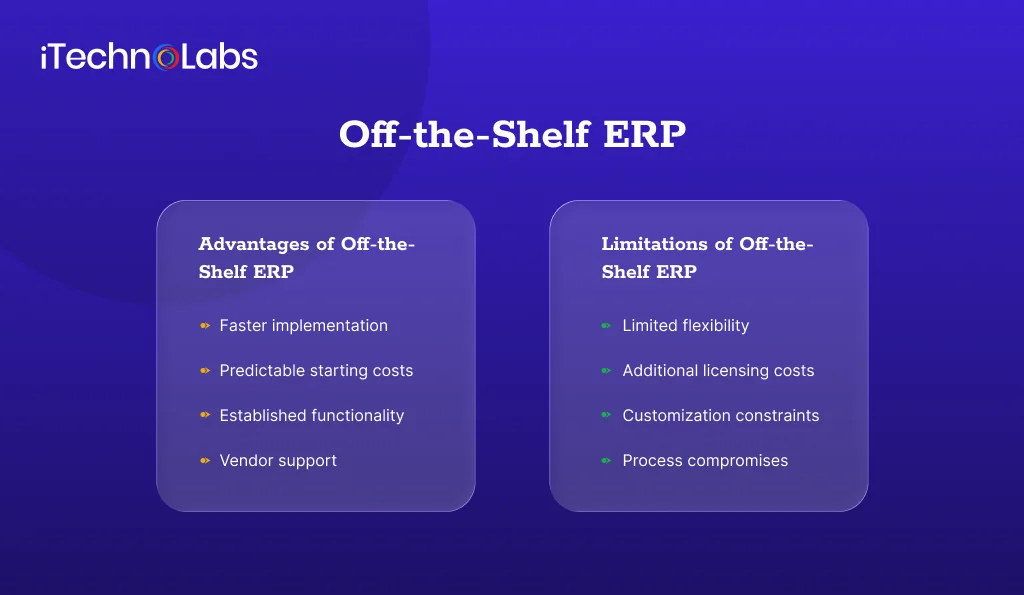
Off-the-shelf ERP is prebuilt software designed to manage common business functions such as accounting, inventory, procurement, sales, and reporting. Businesses purchase a license or subscription, configure the available modules, and adapt their workflows to the system where necessary.
Examples include Microsoft Dynamics 365, SAP Business One, and NetSuite.
Advantages of Off-the-Shelf ERP
- Faster implementation: Existing modules and workflows reduce the need to develop every feature from scratch.
- Predictable starting costs: Subscription or licensing plans provide an initial pricing structure, although implementation and additional services can increase the total.
- Established functionality: Businesses can use existing features for common processes such as financial management and inventory tracking.
- Vendor support: Product documentation, updates, support services, and implementation partners can reduce the burden of maintaining the core system.
Limitations of Off-the-Shelf ERP
- Limited flexibility: Some workflows may not match the way your business operates.
- Additional licensing costs: Expenses can increase with users, modules, integrations, or higher service tiers.
- Customization constraints: Extensive modifications can increase maintenance effort and complicate future upgrades.
- Process compromises: Your team may need to change established procedures to fit the software.
Off-the-shelf ERP is often a sensible starting point when your requirements are well established, and your business can work within the product’s existing capabilities.
What Is Custom ERP Software?
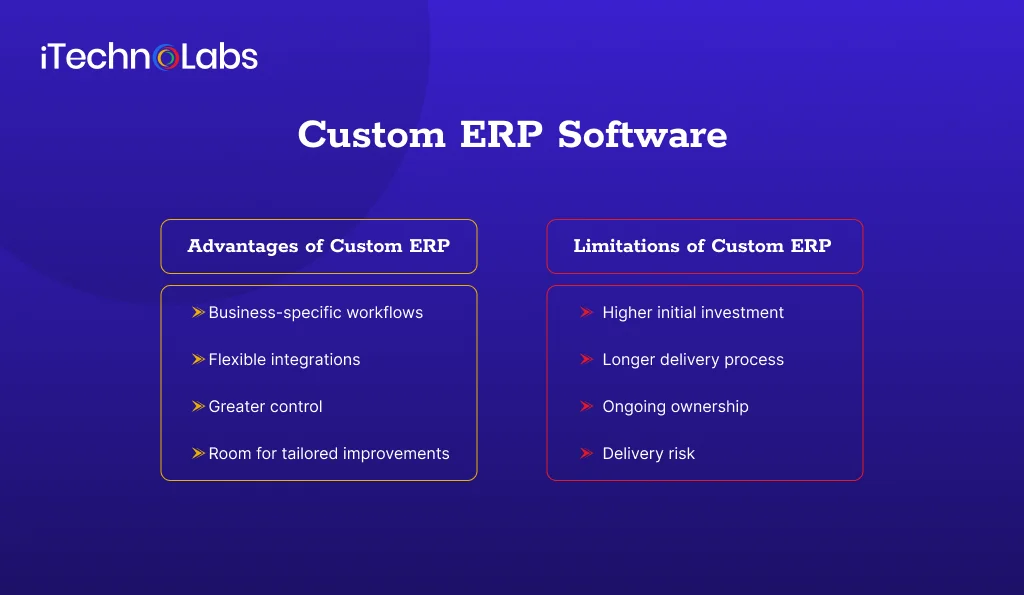
Custom ERP software is developed around your company’s specific workflows, business rules, data requirements, and operational priorities. Rather than relying entirely on predefined modules, the system is designed to support the processes your business needs.
For example, a distributor with specialized pricing rules, complex warehouse workflows, and multiple supplier systems might require capabilities that a standard ERP cannot accommodate without extensive customization.
Advantages of Custom ERP
- Business-specific workflows: Features can reflect how your teams manage orders, approvals, inventory, and reporting.
- Flexible integrations: Developers can design connections around your existing accounting tools, CRM, warehouse systems, or other applications.
- Greater control: Your business can influence the product roadmap, subject to the development agreement and available resources.
- Room for tailored improvements: You can prioritize features that address demonstrated operational bottlenecks instead of paying for functionality you do not need.
Limitations of Custom ERP
- Higher initial investment: Requirements analysis, design, development, testing, and deployment all require resources.
- Longer delivery process: Complex systems need careful planning and validation before they are ready for everyday operations.
- Ongoing ownership: Your business must budget for maintenance, security updates, infrastructure, and future enhancements.
- Delivery risk: Poor requirements, inadequate testing, or dependence on a single development partner can create operational problems.
Custom ERP can be valuable when software limitations repeatedly disrupt important business processes. However, flexibility alone does not justify building a new system.
Custom ERP vs Off-the-Shelf ERP: Key Differences
| Factor | Off-the-Shelf ERP | Custom ERP |
| Initial investment | Usually lower | Usually higher |
| Implementation | Often faster | Depends on scope and complexity |
| Workflow fit | Based on standard features and configuration | Designed around defined business requirements |
| Integrations | Uses available connectors, APIs, or additional development | Can be designed for specific integration needs |
| Customization | Limited by the platform and extension options | Greater control over functionality |
| Maintenance | Shared between vendor and customer, depending on the arrangement | Depends on your ownership and support agreement |
| Upgrades | Vendor managed, with compatibility considerations | Planned and funded by the business or its development partner |
| Best suited for | Standard operational requirements | Distinctive or poorly supported workflows |
Important: Neither option is automatically cheaper over its lifetime. Compare licensing, implementation, integrations, migration, training, maintenance, and future upgrades before making a decision.
When Should You Choose Off-the-Shelf ERP?
An off-the-shelf ERP is usually the better choice when your business needs established functionality without introducing unnecessary development and maintenance responsibilities.
Consider it when:
- Your accounting, purchasing, inventory, and sales workflows are relatively standard.
- You need to replace disconnected spreadsheets or legacy tools quickly.
- Your budget does not support building and maintaining a complete custom system.
- The product already supports your essential integrations.
- Your team can adopt the platform’s workflows without major operational disruption.
Before committing, ask vendors to demonstrate your actual business scenarios. A feature list alone will not show whether the software handles your approval rules, reporting requirements, and exceptions.
When Does Custom ERP Make More Sense?
Custom ERP becomes worth evaluating when the limitations of existing products create measurable operational costs or prevent important business improvements.
Consider custom development when:
- Your workflows are distinctive: Standard software cannot support essential processes without extensive workarounds.
- Integrations are business critical: Your operations depend on specific connections between legacy systems, customer portals, inventory platforms, or internal applications.
- Customization has become difficult to maintain: Repeated modifications are creating upgrade, performance, or support problems.
- You need control over future development: Your business requires capabilities that depend on its own priorities rather than a vendor’s release schedule.
- You can support long-term ownership: Your budget and team structure allow for maintenance, security, testing, and future development.
Evaluate these requirements against available ERP products first. A custom build should solve verified gaps, not recreate features that already work well elsewhere.
A Third Option: Customize an Existing ERP
The choice is not limited to buying a standard product or building an entire ERP from scratch. You can also implement an existing platform and extend it with selected custom modules, integrations, or workflows.
For example, a business might use standard ERP functionality for accounting and purchasing while adding a custom application for specialized order approvals or warehouse operations.
This approach can preserve established functionality while addressing specific business requirements.
Microsoft’s guidance on extending Dynamics 365 explains why customization decisions should account for maintainability, security, performance, and future upgrades. SAP’s clean core guidance similarly emphasizes keeping the core system maintainable while managing extensions carefully.
The key is to customize only where the business benefit justifies the added complexity.
How to Make the Right ERP Decision
Use the following process before selecting a platform or starting a development project.
- Map Your Current Workflows
Document how your business handles purchasing, inventory, invoicing, approvals, reporting, and customer orders. Identify manual steps, duplicate data entry, delays, and recurring errors.
- Separate Essential Requirements From Preferences
List the features your business must have on day one. Distinguish operational necessities from features that would be convenient but are not essential.
- Evaluate Existing ERP Products
Shortlist suitable platforms and test them against real business scenarios. Identify which requirements are supported natively, which need configuration, and which require custom development.
- Calculate Total Cost of Ownership
Compare the expected costs over a consistent three- to five-year planning period. Include:
- Software licenses and subscriptions
- Implementation and configuration
- Data migration and employee training
- Integrations and custom development
- Hosting, security, and ongoing support
- Maintenance, upgrades, and future enhancements
This comparison provides a more useful basis for decision-making than the initial purchase price alone.
- Assess Your Long-Term Responsibilities
Determine who will maintain the system, handle incidents, manage access, test updates, and deliver future improvements. If you choose custom ERP, clarify code ownership, documentation, handover, and support arrangements before development begins.
- Start With a Defined Scope
Prioritize the workflows that deliver the clearest operational value. Where appropriate, introduce the system in phases, validate results with users, and expand only after the core processes work reliably.
Find the Right ERP Solution for Your Business With iTechnolabs
Your ERP system should support the way your business operates, not force your team to rely on manual workarounds. iTechnolabs helps businesses assess their existing processes, identify gaps in standard ERP platforms, and determine whether off-the-shelf software, targeted customization, or custom ERP development is the right fit.
Our custom software development team can help you plan and build solutions around your business workflows, connect ERP systems with existing applications, and streamline processes across inventory, finance, sales, and operations. We focus on understanding your requirements first, so the solution addresses real operational challenges while accounting for implementation costs, future maintenance, and business growth.
Whether you are implementing an ERP system for the first time or improving an existing setup, iTechnolabs can help you evaluate your options and plan the next steps.
Final Verdict: Custom ERP or Off-the-Shelf?
Off-the-shelf ERP is a practical starting point for businesses with standard workflows and requirements that existing products can meet. Custom ERP is worth considering when specialized processes, integration requirements, or recurring software limitations justify the additional development and maintenance effort.
For many SMBs, customizing an existing ERP offers a middle ground between standard functionality and a fully custom system. Compare the total cost of ownership, workflow fit, integration needs, and long-term support requirements before making a decision.
If your current systems create operational bottlenecks, explore custom software development services to assess whether ERP configuration, targeted customization, or custom development best fits your business.
FAQs
- What is the main difference between custom ERP and off-the-shelf ERP?
Off-the-shelf ERP is a prebuilt product designed for common business processes. Custom ERP is developed around specific business requirements. Packaged software typically reduces the need for development, while custom ERP offers greater control over workflows but introduces additional development and maintenance responsibilities.
- Is custom ERP more expensive than off-the-shelf ERP?
Custom ERP generally requires a larger initial development investment, while off-the-shelf ERP usually involves licensing or subscription fees. However, the overall cost depends on implementation, integrations, customization, maintenance, upgrades, and support. Compare total costs over the same planning period rather than relying on the initial price.
- Can a small business benefit from custom ERP?
Yes, if its essential workflows cannot be supported efficiently by available ERP products and the operational benefits justify the investment. Small businesses with standard accounting, inventory, and purchasing needs may be better served by packaged software or targeted customization instead of building a complete ERP.
- Can I customize an off-the-shelf ERP?
Yes. Depending on the platform, you may be able to configure workflows, add modules, create integrations, or develop extensions. Before approving customization, evaluate its cost, security implications, compatibility with future upgrades, and ongoing maintenance requirements.
- How do I compare ERP costs accurately?
Compare licensing, implementation, data migration, training, integrations, customization, hosting, support, and future upgrades over a consistent three- to five-year period. Include the operational cost of manual workarounds and process limitations where you can measure them reliably.
- Should I replace my existing ERP with custom software?
Not necessarily. First identify the problems your current system cannot solve, then evaluate configuration changes, integrations, and targeted extensions. Consider replacement only when the existing platform cannot meet essential requirements at an acceptable cost and a clear migration and maintenance plan is available.











